
AI Image Translator
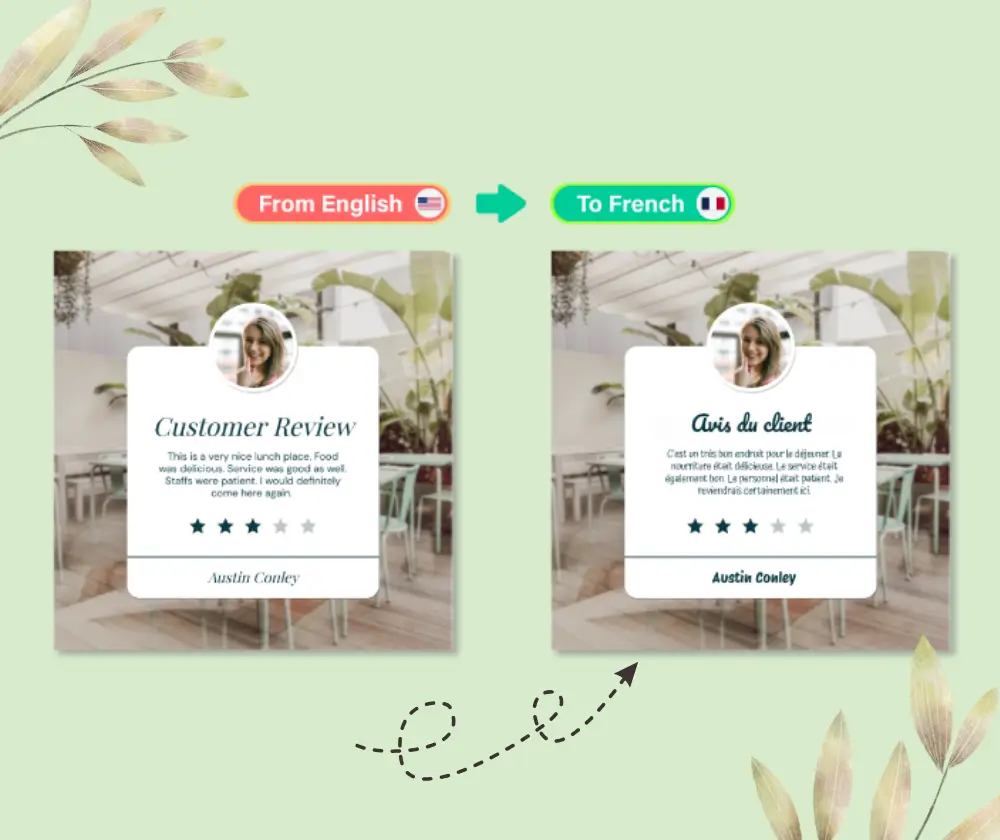
AI Image Translator translates text inside photos while preserving layout and style — remove original text pixels, synthesize matching background, and render translated text in the same font, color and position automatically.
Feedback
AI Tools
Explore AI tools
Text To Image
Create stunning designs with AI
AI Image Editor
AI Photo Editor Online
Image Upscaler
Enhance image resolution effortlessly

Image Background Remove
Remove image backgrounds easily
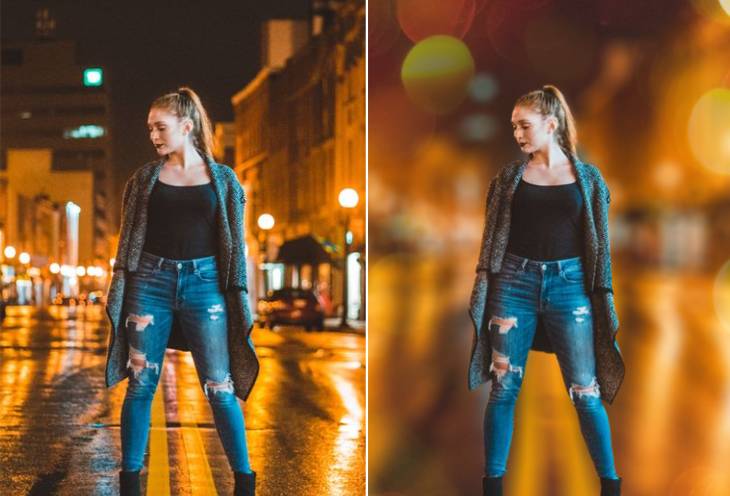
AI Background Blur
Instantly blur image backgrounds for a professional look

AI Background Change
Change image backgrounds instantly
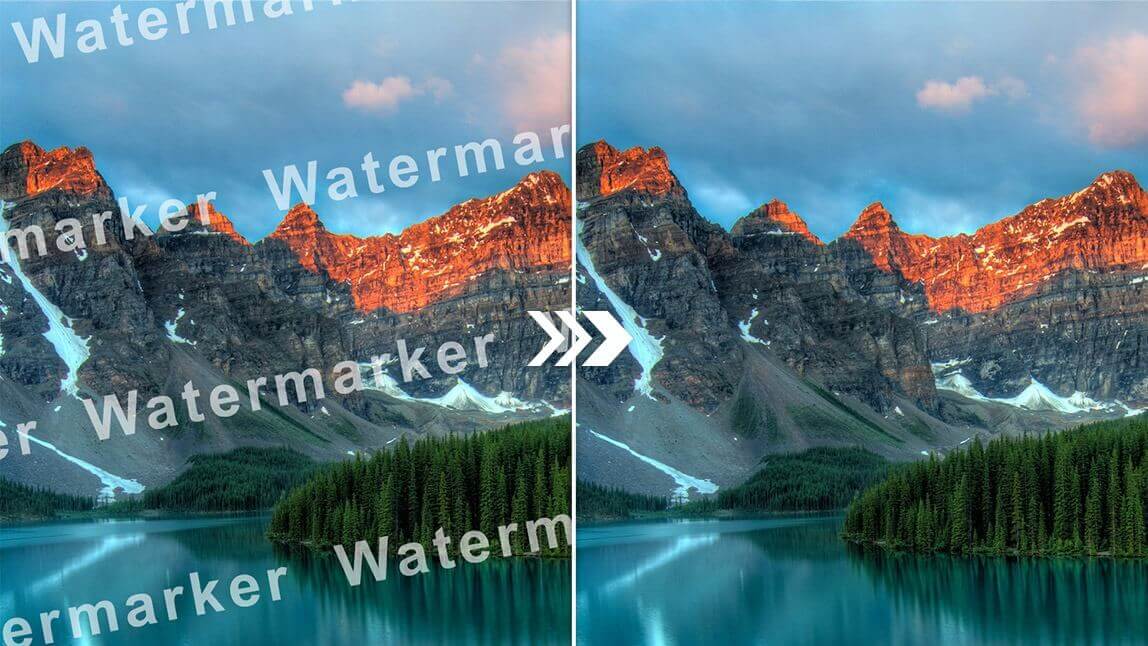
AI Watermark Remover
Remove watermarks from images instantly
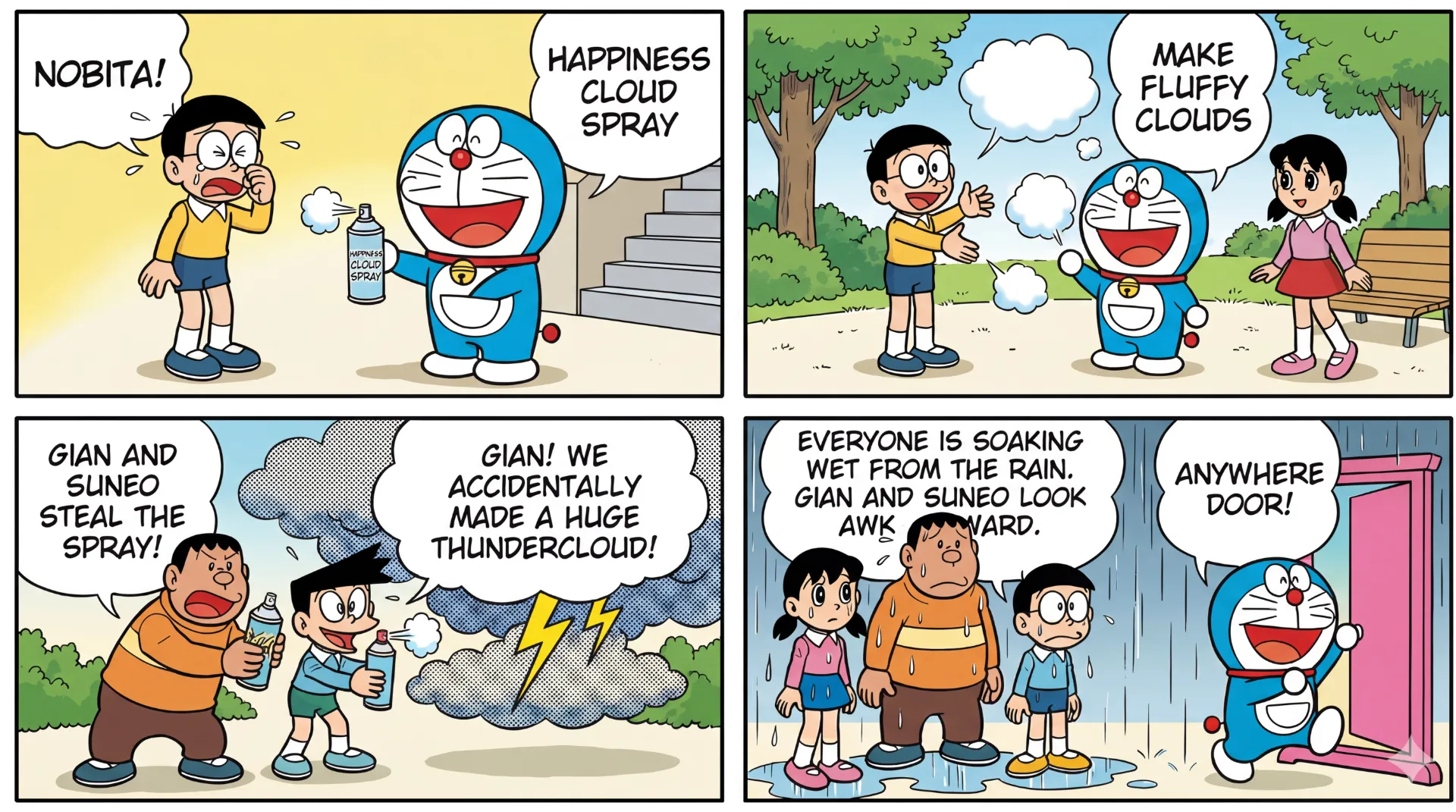
AI Image Translator
Advanced AI Image Translator
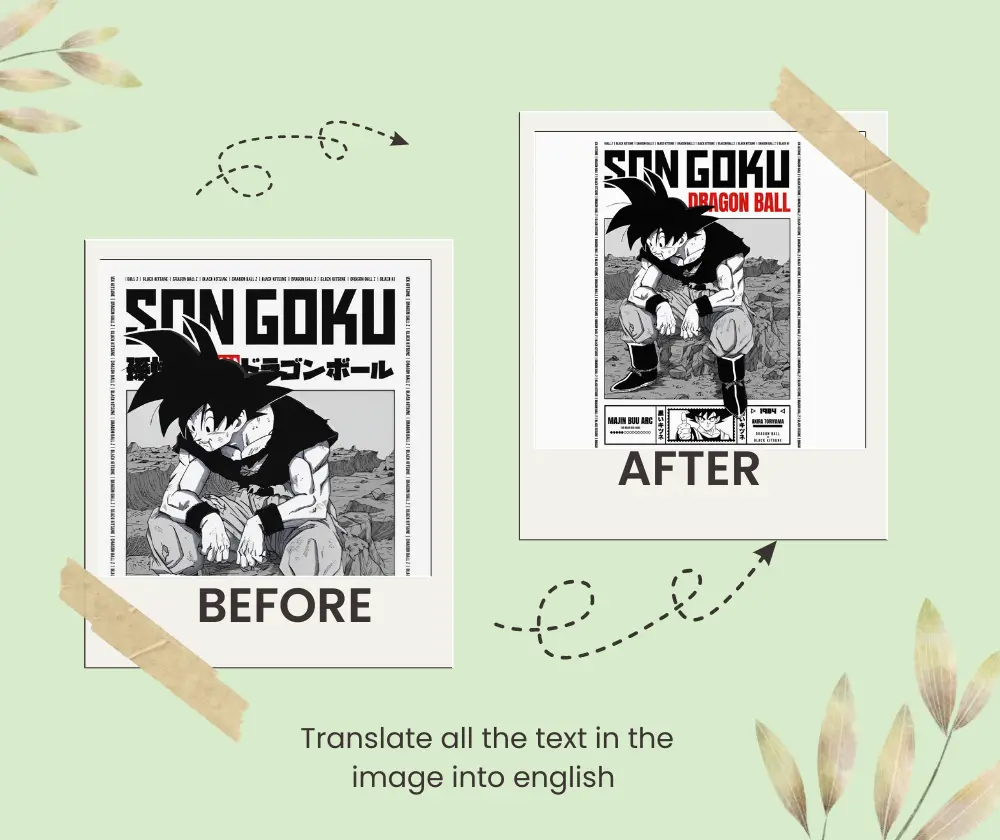
What is AI Image Translator
AI Image Translator detects, translates and re-renders text inside images while preserving the original layout, fonts and styling. It’s a browser-first photo translator that converts menus, packaging, screenshots and scanned documents with no signup required.
- Layout PreservationPreserves background, alignment and fonts so translated images look native.
- No Sign-up, FastTranslate photos instantly in the browser with zero friction and no accounts.
- Multi-language SupportSupports major languages and complex scripts like Chinese and Arabic with high accuracy.
How to Use AI Image Translator
Translate text in images in three simple steps with AI Image Translator: upload, choose language, preview and download.
Why use AI Image Translator
AI Image Translator uses advanced OCR + generative inpainting to translate image text without breaking design: remove original text pixels, fill background, and render translated text in-place.
Preserve Layout
Keeps spacing, images and diagrams intact so translated images remain true to the original.
Design-aware Translation
Renders translated text in matching font, color and size for native-looking results.
Fast & Free
Process photos instantly in the browser with no signup and minimal wait.
Wide Language Support
Handles common and complex languages for menus, labels and screenshots.
Perfect for Documents
Translate scanned manuals, diagrams and packaging while preserving formatting.
Download Ready
Preview and download translated images ready for publishing or sharing.
AI Image Translator FAQ
Quick answers about AI Image Translator.
What is AI Image Translator?
A tool that translates text inside images while preserving layout, fonts and styling.
Is AI Image Translator free?
Yes — translate images quickly in-browser with no signup required for basic use.
Does it preserve layout?
Yes — AI Image Translator fills background pixels and re-renders text to match the original design.
Can I translate screenshots?
Yes — screenshots, photos of menus, labels and scanned documents are supported.
What languages are supported?
Supports major global languages and many complex scripts with robust accuracy.
Why choose it?
Fast, design-aware photo translation with no accounts — ideal for travel, commerce and documentation.
Create with AI Photo Editor
Turn ideas into polished photos fast with AI Photo Editor — professional edits without the learning curve.