
AI Background Blur — Professional Depth in One Click
Apply natural, pro-level background blur in seconds. AI Background Blur uses smart edge detection to keep subjects sharp while softening busy backgrounds for cinematic depth and focus.
Feedback
AI Tools
Explore our AI-powered tools.

Text To Image
Create stunning designs with AI
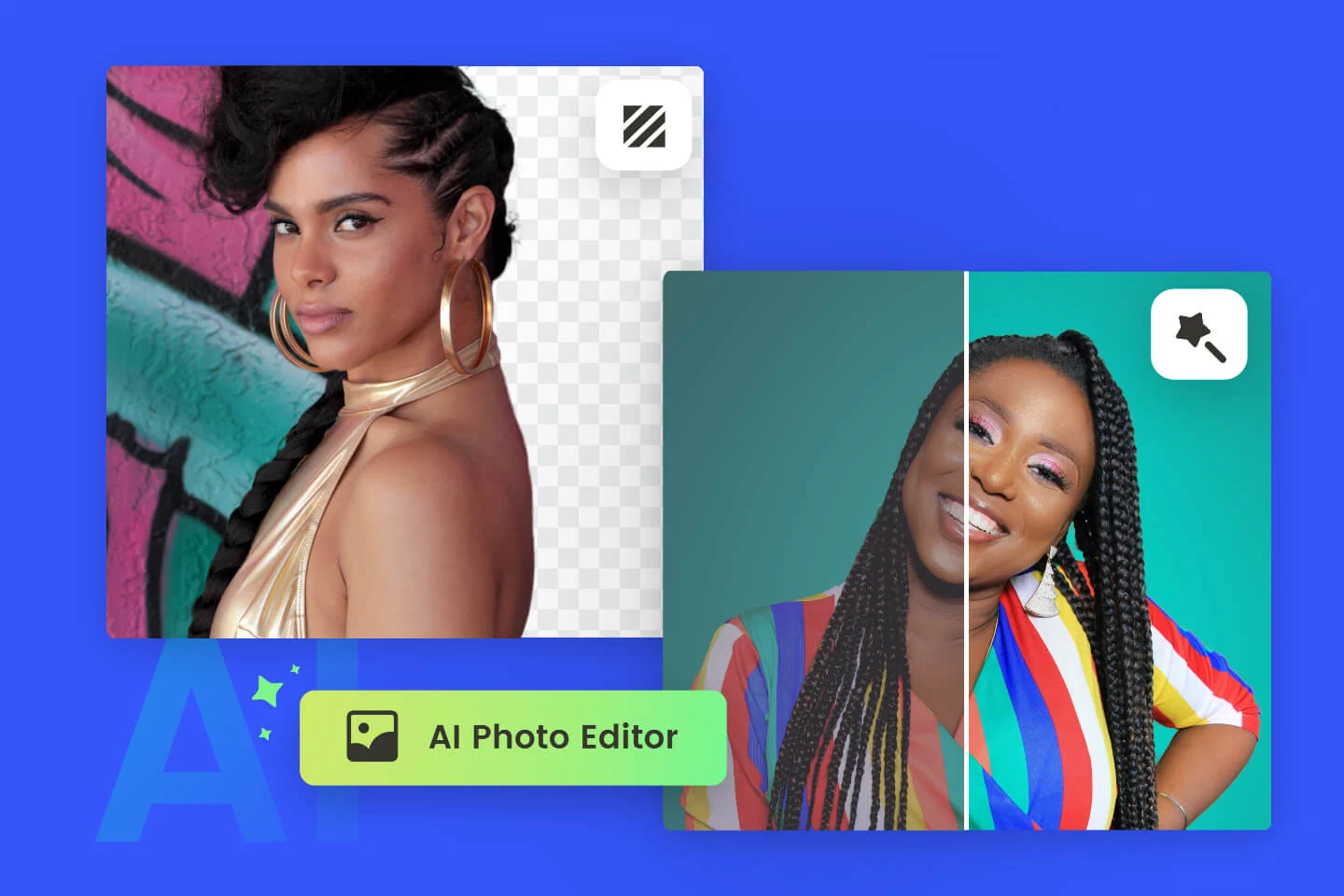
AI Image Editor
AI Photo Editor Online
Image Upscaler
Enhance image resolution effortlessly

Image Background Remove
Remove image backgrounds easily
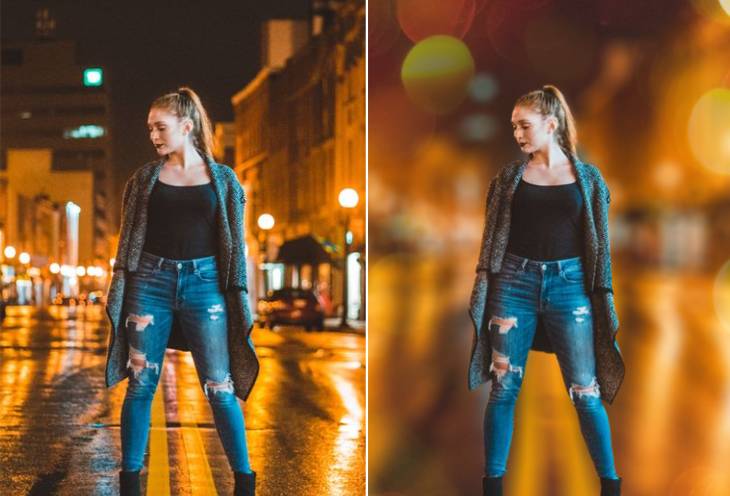
AI Background Blur
Instantly blur image backgrounds for a professional look

AI Background Change
Change image backgrounds instantly
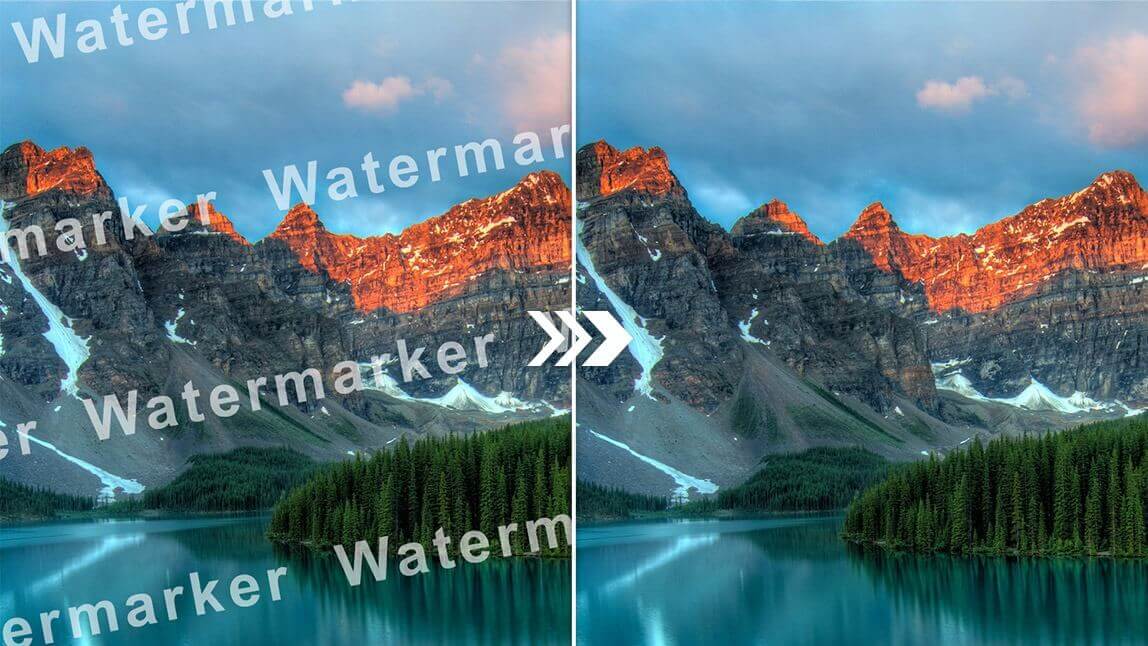
AI Watermark Remover
Remove watermarks from images instantly
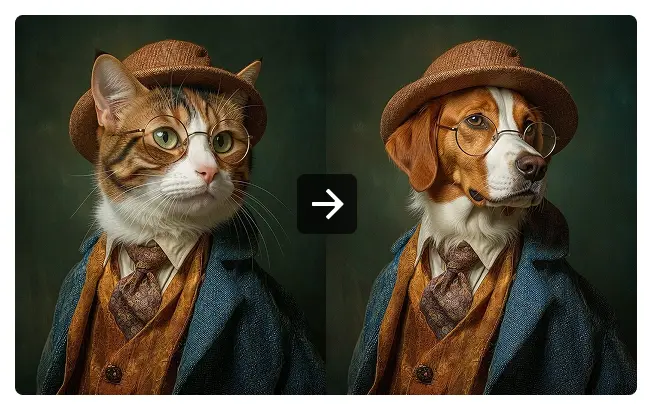
Image To Image AI
Transform images with AI-powered enhancements
How AI Background Blur Works
Create professional depth in three easy steps with AI Background Blur: upload, auto-detect subject, apply natural blur and download.
AI Background Blur — FAQs
Answers about AI Background Blur: how it works, supported photos, export options, and tips for best results.
What is AI Background Blur?
AI Background Blur smartly blurs photo backgrounds while keeping the subject sharp, creating pro-level depth without complex editing.
How is AI blur different from a regular blur?
AI Background Blur uses edge-aware detection and subject separation so backgrounds are softened without blurring the subject or losing fine detail.
Which photos benefit most?
Portraits, product shots, and images with busy backgrounds gain the most from AI Background Blur.
Does AI Background Blur work on complex scenes?
Yes — AI Background Blur handles busy and layered backgrounds by detecting subjects and preserving edges for natural results.
Can I export high-resolution images?
Yes — export edited photos at high resolution after AI Background Blur processing.
Are multiple people kept sharp?
AI Background Blur can detect multiple subjects and maintain sharpness for each while applying consistent background blur.
Start Using AI Background Blur Today
Give your photos cinematic depth with AI Background Blur—one-click, edge-aware background softening for pro results.