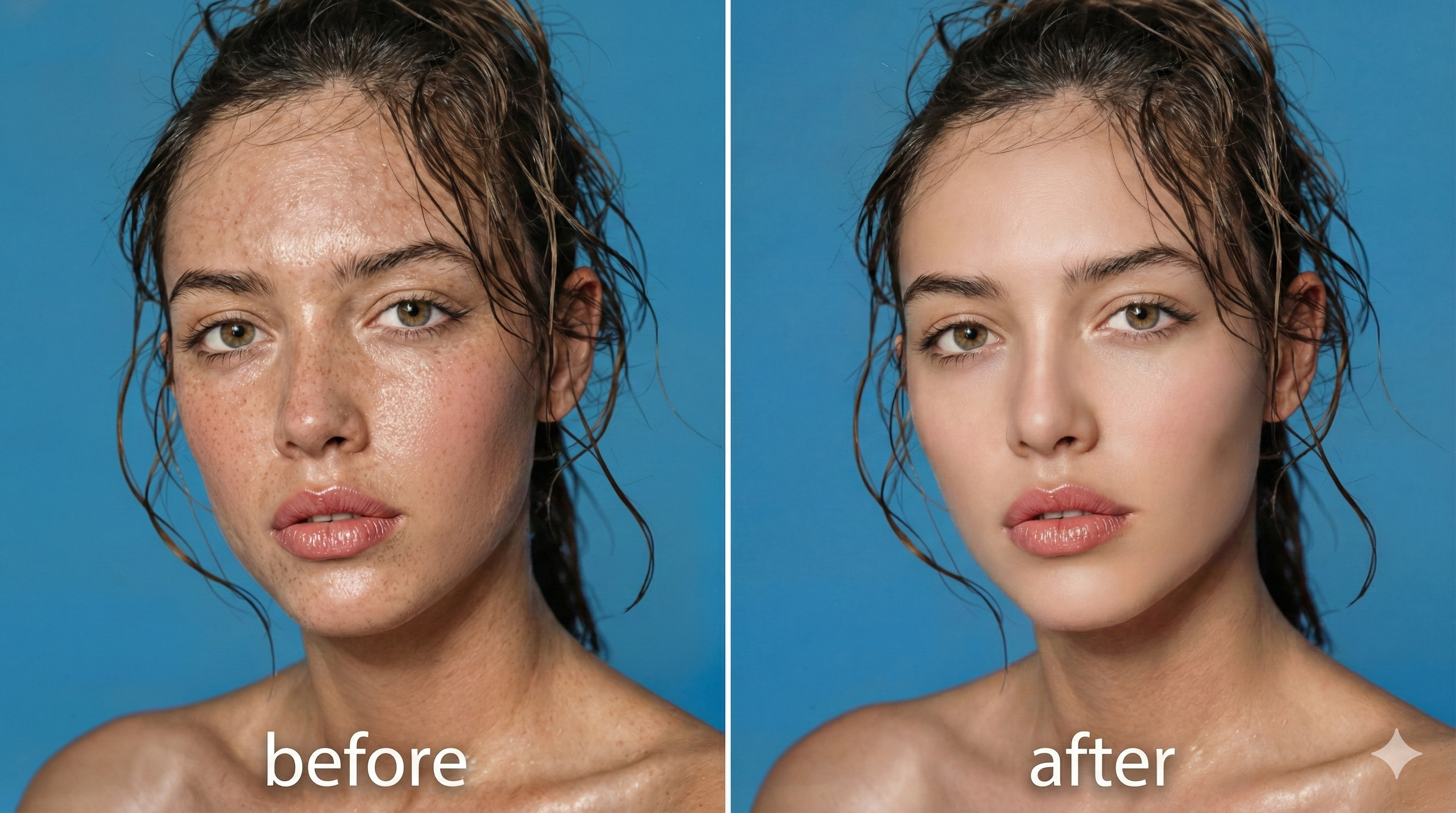
AI Face Editor – Retouch Faces in Seconds
AI Face Editor smooths skin, fixes blemishes, and refines portraits fast for mobile-ready photos.
Feedback
AI Tools
Explore our AI-powered tools.

Kling Motion Control
Turn reference images into amazing motion videos in minutes

Kling3.0
Next-Gen AI Video Generator

Veo3
Create Stunning Videos with Veo3.1

Seedance2.0
The Future of AI Video Is Here.
Sora2
Advanced AI Video Generator for High-Quality Videos
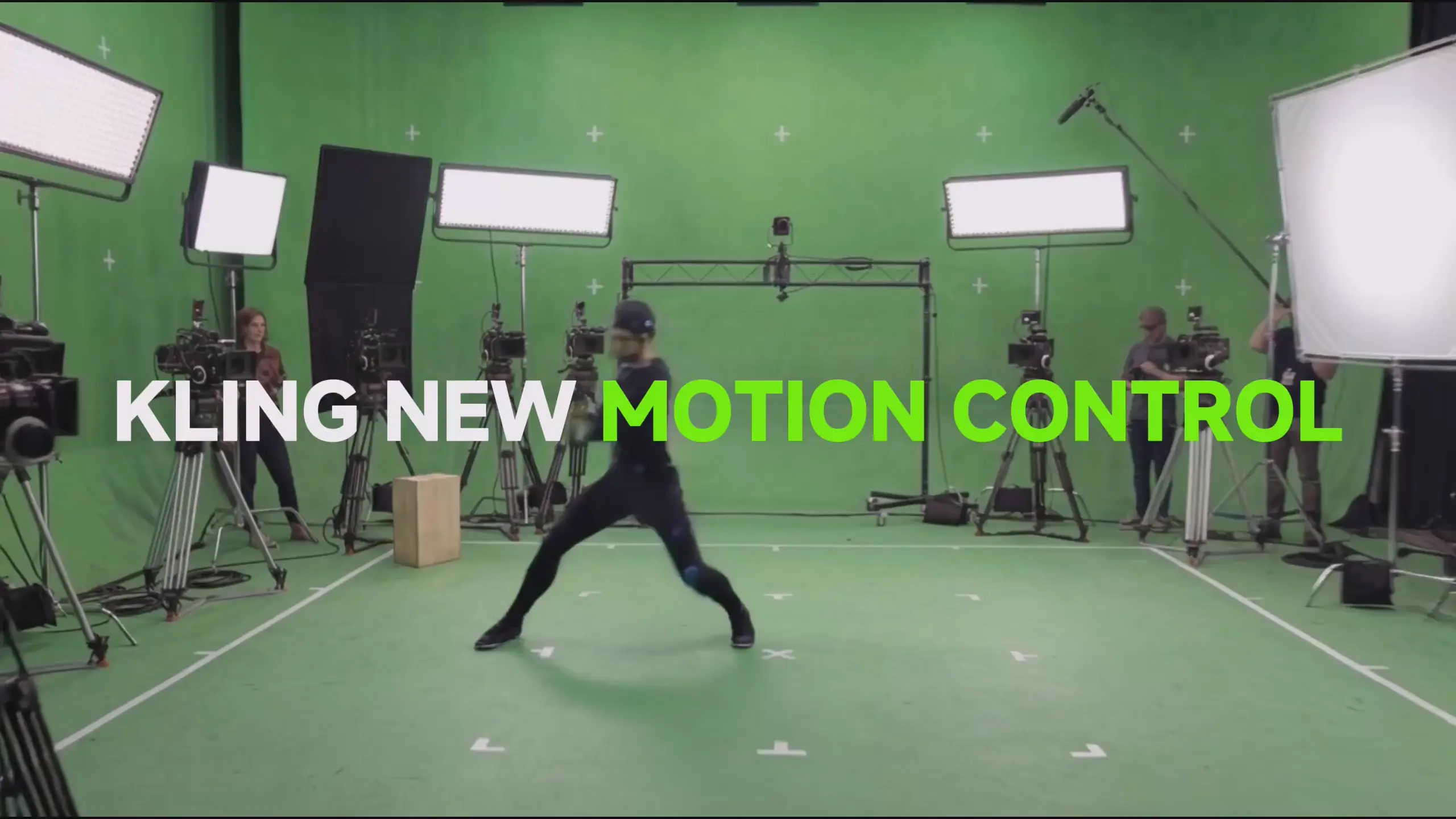
Kling 3.0 Motion Control
Turn reference images into amazing motion videos in minutes
Kling 2.6
See the Sound, Hear the Visual.
Wan 2.6 Video Generator
Generate videos with Wan 2.6
How AI Face Editor Works
Polish portraits in 3 steps with AI Face Editor: upload, auto-detect issues, retouch naturally.
AI Face Editor FAQ
AI Face Editor answers: speed, quality, and natural portrait retouching.
What is AI Face Editor?
AI Face Editor removes blemishes, smooths texture, and keeps natural skin detail for realistic portraits.
What can AI Face Editor fix?
AI Face Editor clears acne, scars, spots, discoloration, and wrinkles while preserving skin texture.
How fast is AI Face Editor?
AI Face Editor processes portraits in 1-2 minutes for quick retouching.
Does AI Face Editor look natural?
Yes. AI Face Editor keeps pores and texture for a natural finish without plastic blur.
Can I use AI Face Editor commercially?
Premium AI Face Editor plans include full commercial rights for edited photos.
Why choose AI Face Editor?
AI Face Editor delivers natural results fast while keeping facial features intact.
Start Using AI Face Editor Today
Transform portraits fast. Experience professional retouching with AI Face Editor.